Can a finished inspection be edited?
A finished inspection is kept as recorded. Start a new inspection when more findings need to be added.
Built for the front desk. Ready for the next job. Explore the product
Keep checklist results, measured readings and technician notes with the job card so the next person can review what was checked.
An inspection should say what the technician saw and measured. Job-card checklists keep results and notes alongside the work instead of turning an unchecked assumption into a finding.
The working screen
An actual app screen, using synthetic demonstration records. No customer data is shown.
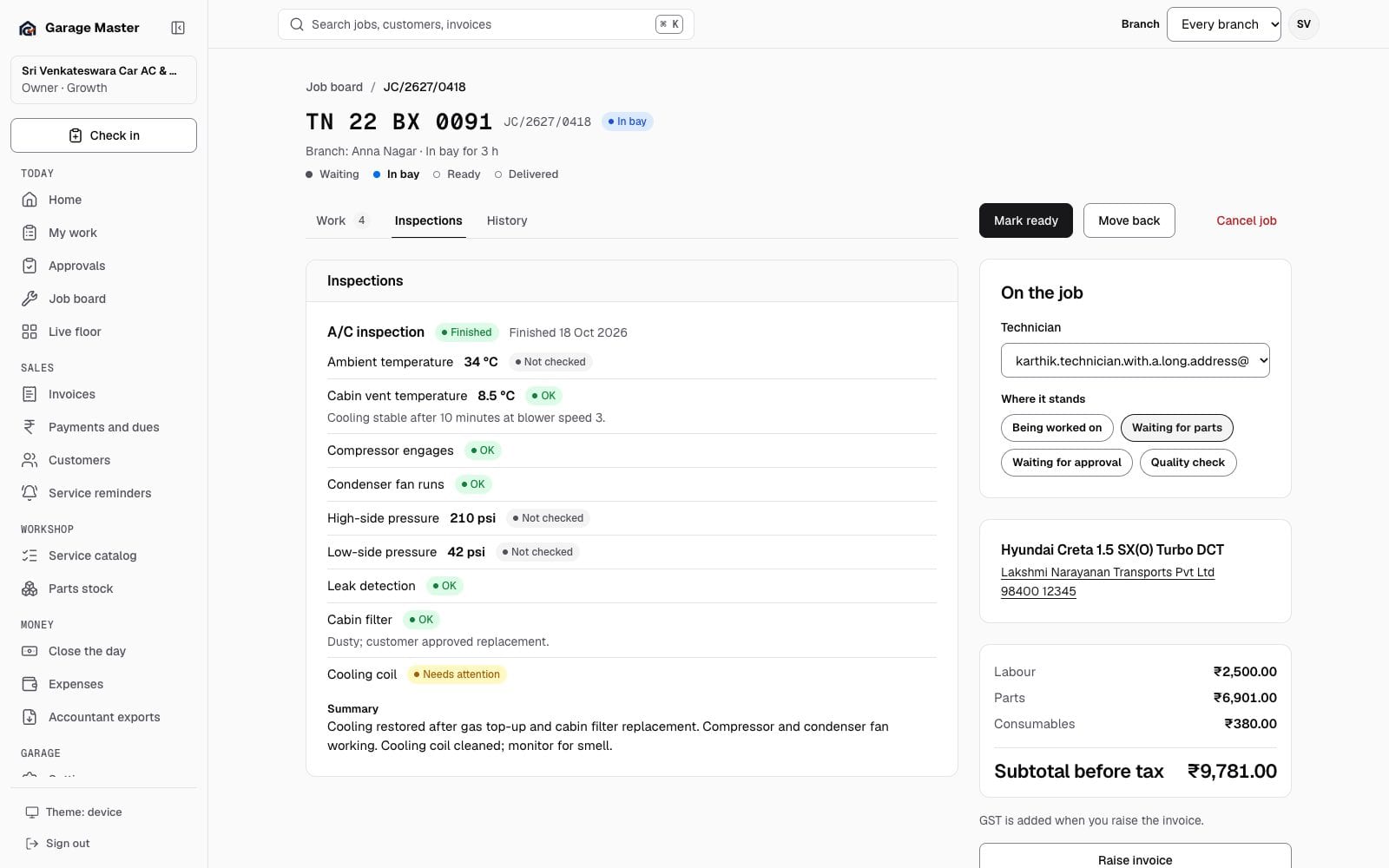
Sample data from the development gallery. The screen is the working app; the garage, people, vehicles and figures are not real.
How it works
Select an available inspection checklist from the job card. Record the actual checks performed on that vehicle.
Enter measurements where required, mark results and add notes. Use Not checked when an item has not been inspected.
Review the summary before finishing the inspection. Use the authorized quality-check workflow before the vehicle moves to the next stage.
Before you begin
Checklist completion records the team’s findings. It does not replace professional judgment or certify a vehicle as safe.
A finished inspection is kept as recorded. Start a new inspection when more findings need to be added.
No. Technicians perform the checks and record actual findings. A saved checklist is not an automated mechanical diagnosis.
No. Your workshop remains responsible for competent inspection, appropriate procedures and the delivery decision.
Continue exploring
Your first bay
Start with one garage, one team and the work already on your floor.