Are collections the same as profit?
No. Collections record money received. They do not by themselves establish revenue recognition, complete costs or profit.
Built for the front desk. Ready for the next job. Explore the product
Review recorded workshop activity, collections and outstanding balances, then prepare monthly files for your accountant.
Keep the owner’s overview connected to the underlying records. Review jobs and balances in the app, then use monthly exports to hand financial records to your accountant.
The working screen
An actual app screen, using synthetic demonstration records. No customer data is shown.
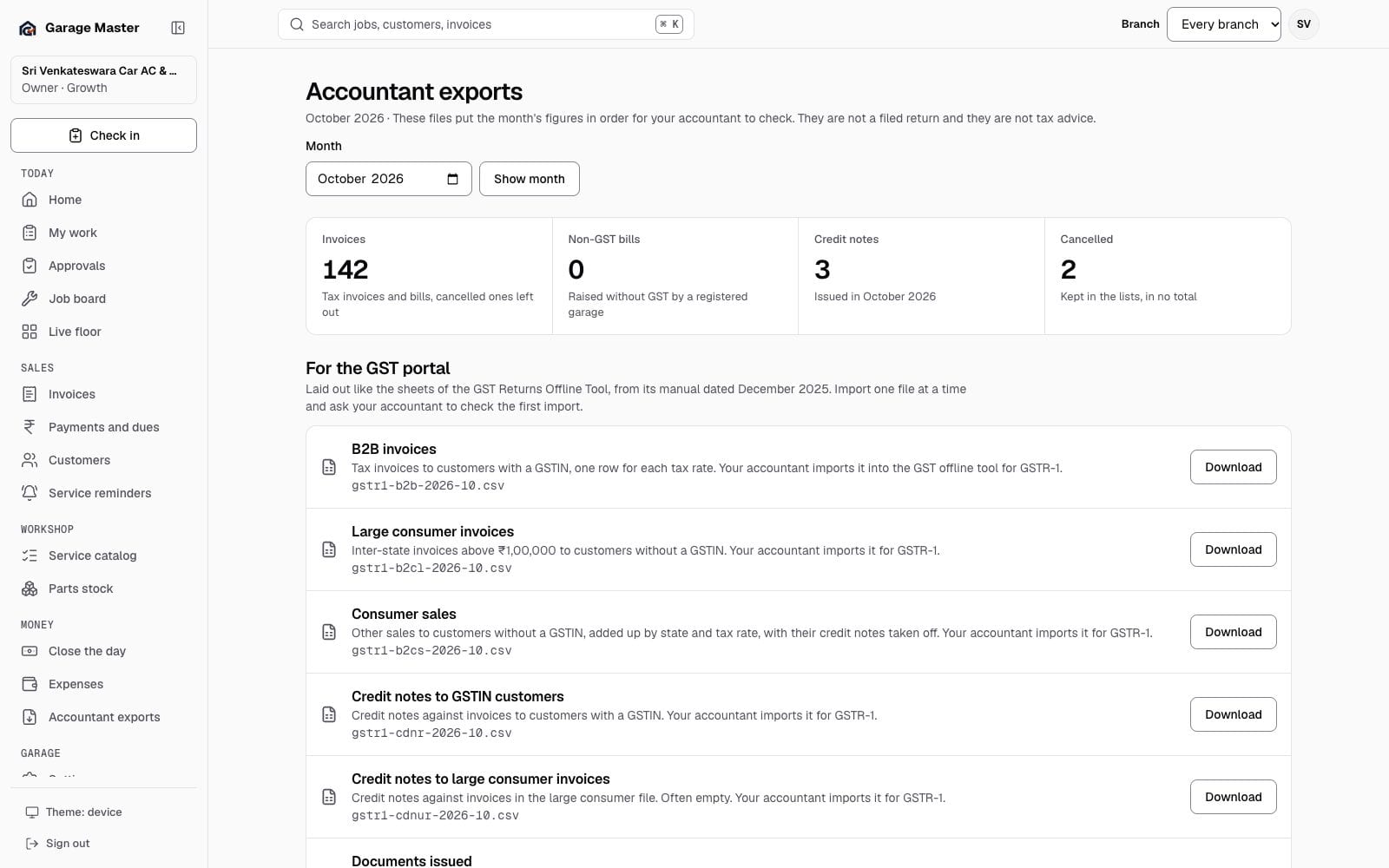
Sample data from the development gallery. The screen is the working app; the garage, people, vehicles and figures are not real.
How it works
Use the owner dashboard to review recorded workshop activity and money summaries. Open the underlying job, invoice or dues view when you need detail.
Open accountant exports and select the month. Review the available records before downloading.
Download the supported files for your accountant. Keep issued invoices, corrections and collections available when reconciling the period.
Before you begin
Reports depend on complete, accurate entries and your role’s access. Exports are records for review; they are not a claim of tax filing or complete financial accounts.
No. Collections record money received. They do not by themselves establish revenue recognition, complete costs or profit.
No. Accountant exports provide recorded data for review. They do not submit a tax return or replace your accountant’s checks.
No. Operational views and exports use recorded data. Optional AI-written briefs depend on the configured service and available allowance.
Continue exploring
Your first bay
Start with one garage, one team and the work already on your floor.