Are employee accounts the same as AI agents?
No. My Work is for human employees. AI provider connections and software agents are separate capabilities.
Built for the front desk. Ready for the next job. Explore the product
Bring assigned jobs, unassigned work and pending front-desk actions into My Work, with shift notes for the next person.
A technician needs the next job and its recorded concern. The front desk needs the next handoff. My Work brings those queues together while keeping access tied to the employee’s role.
The working screen
An actual app screen, using synthetic demonstration records. No customer data is shown.
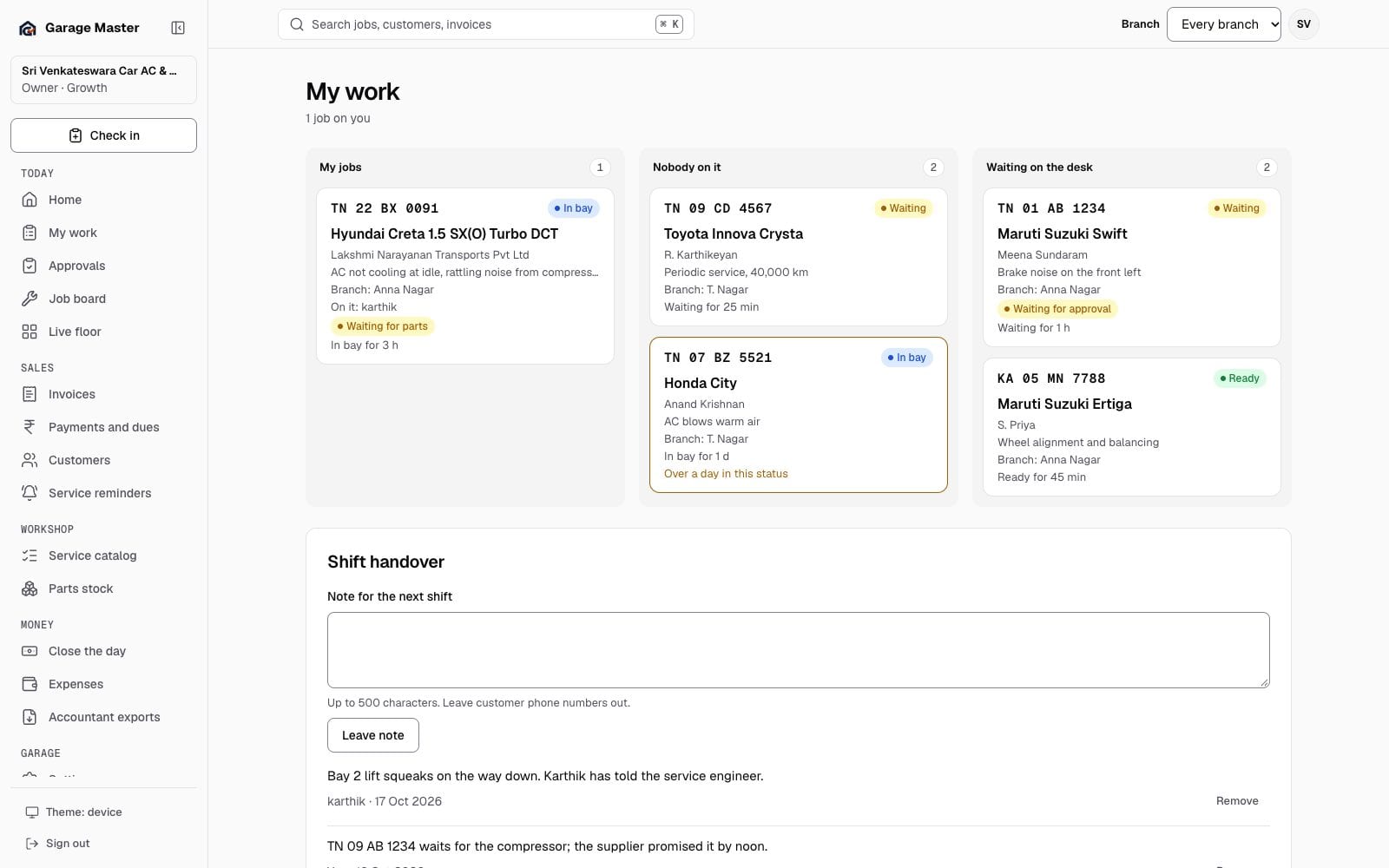
Sample data from the development gallery. The screen is the working app; the garage, people, vehicles and figures are not real.
How it works
See jobs assigned to you and open their job cards for the recorded customer concern and work details.
Review unassigned jobs or pending front-desk actions as permitted by your role. Use the existing job workflow to move work forward.
Save a short handover note for the next shift. Keep customer phone numbers and other unnecessary personal details out of notes.
Before you begin
Available actions depend on your role and active plan. Assignment and handover decisions remain with your team.
No. My Work is for human employees. AI provider connections and software agents are separate capabilities.
Access depends on the employee’s role. Opening My Work does not grant financial permissions.
No. Assigned work, front-desk queues and shift notes use the ordinary workshop workflow.
Continue exploring
Your first bay
Start with one garage, one team and the work already on your floor.